In this guide
A degree audit, an advising conversation, and a proposed schedule serve different purposes. Use each without asking it to prove too much.
Give every piece of evidence a job
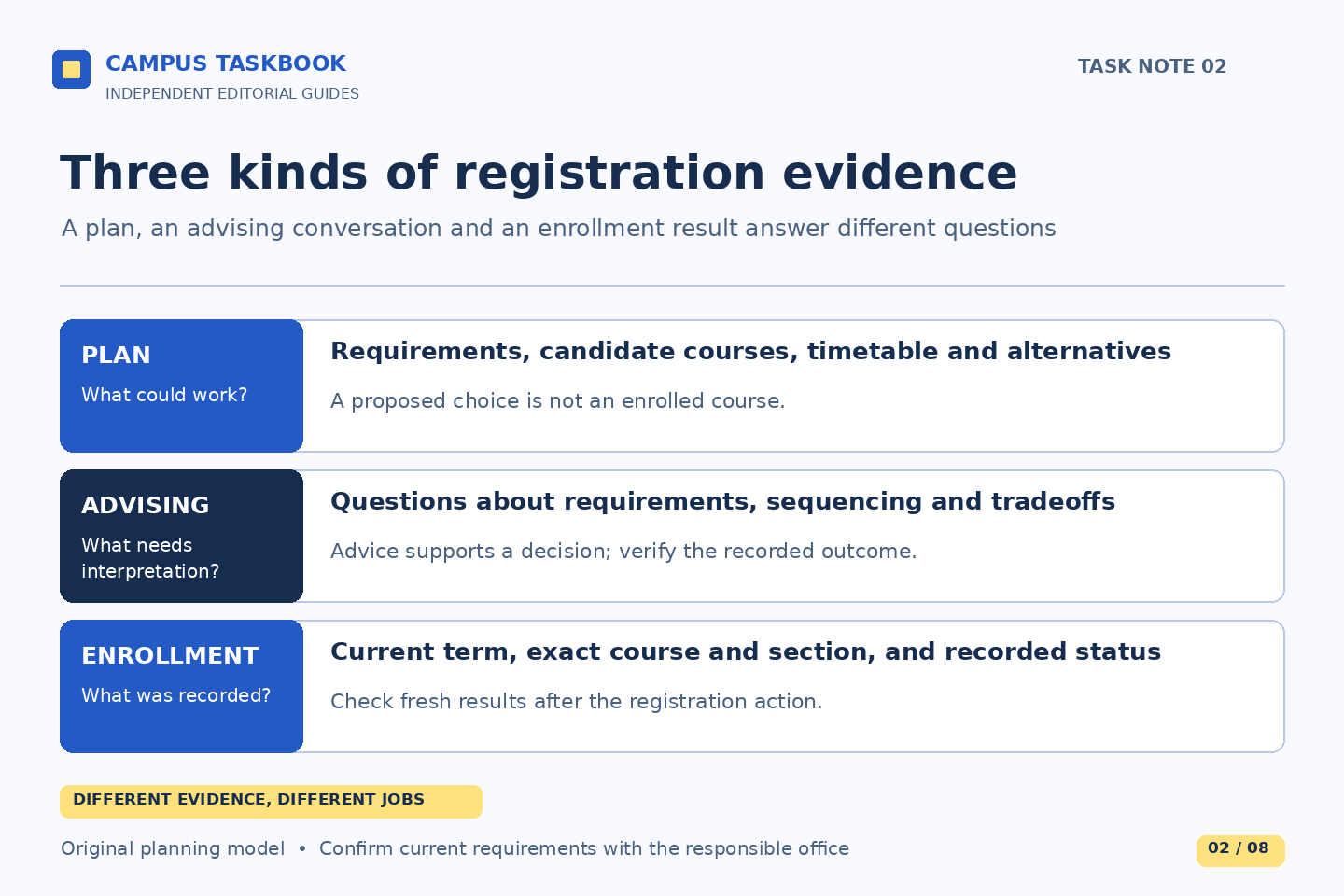
Registration preparation is easier when you stop asking one screen to answer every academic question. A program description explains published requirements. An audit represents how a particular record is being matched to requirements. An advisor helps interpret a plan and its tradeoffs. A proposed timetable tests whether a set of choices fits together. A registration result tells you what the system actually recorded. These are related forms of evidence, not interchangeable assurances.
BC’s undergraduate registration guidance says students register using EagleApps, describes degree audits as a way to review progress, and recommends reviewing the audit with an advisor before registration. This article offers an independent preparation method around those published facts. It does not determine whether a student can enroll, whether a course satisfies a requirement, or whether an exception will be approved.
Start with the decisions that need an answer
Before collecting courses, write three questions that could change your choices. Examples include which requirement needs clarification, whether a particular sequence should begin this term, and what alternatives are sensible if a preferred class cannot be taken. The questions should be small enough for an advisor or appropriate office to answer. “What should I do with my life?” and “Is my schedule good?” are understandable concerns, but they conceal several different decisions.
Next, attach evidence to each question. Note the requirement heading, relevant course description, audit observation, and the date of your most recent review. Do not paste an entire academic record into a shared document when one line will explain the issue. Treat an unresolved interpretation as a dependency: a choice that should remain provisional until someone with the appropriate responsibility clarifies it.
A short decision sheet can reveal uncertainty early enough to discuss it. It need not prove that the first version is correct.
Read an audit as a diagnostic document
In BC’s published description, an audit compares courses taken with degree requirements; a simulated audit can explore different programs. That makes it useful for spotting questions. It does not make a simulation evidence that a program change has occurred. Keep the document type and generation date visible in your notes. Otherwise, a helpful hypothetical can accidentally become the basis for a plan that assumes an administrative change already happened.
Illustrative example: a student sees a completed course under electives and expected it under another requirement. The useful observation is the placement of that course in the current audit. The explanation is still unknown. The student records the course and requirement privately, brings the discrepancy to advising, and checks the official guidance about audit errors or substitutions. The example does not assume the course should count or that a substitution is available.
Compare like with like before calling something inconsistent. A simulation for a different program and a current-program audit answer different questions. An older copy and a freshly generated record may reflect different inputs. Label these differences rather than merging their most favorable features.
Work backward from your own registration window
Use the actual appointment or deadline relevant to you, verified through current BC guidance and your official record. Do not copy a friend’s date. Working backward, identify the points at which you need an advising discussion, a clarified requirement, a reviewed set of alternatives, and a functioning access route. This is a planning sequence, not an official BC timetable. How much lead time to allow depends on the questions and current office availability.
Separate questions requiring an institutional answer from checks you can perform yourself. A record discrepancy may need clarification; comparing meeting times is a different task. This keeps timetable rearrangement from disguising an unanswered requirement question.
BC publishes guidance on registration holds and directs students to the responsible office. An academic conversation and resolution of a hold are separate dependencies. Do not assume that finishing one clears the other. Follow the actual message and official instructions rather than treating every obstacle as a technical error.
Design alternatives around the purpose of a choice
A backup list is stronger when each alternative preserves the reason for the original choice. If the purpose is to explore a field, alternatives might preserve the subject interest. If the purpose concerns a requirement or a sequence, ask the advisor which alternatives are appropriate rather than guessing from similar titles. Record both the reason and the unanswered question beside each candidate.
Illustrative planning note: “Choice A interests me because of its methods component. Choice B has a different topic but might develop a related skill. Question for advising: do either of these fit the requirement I am discussing?” This note remains useful even if neither course can be taken. It explains the intellectual or planning goal without claiming equivalence.
Test practical conflicts separately from academic ones. Two courses may overlap in time. A conflict-free timetable may still leave an academic question unresolved. Showing both checks makes advising more productive than presenting a tidy schedule as a complete plan.
Verify the outcome, then update the plan
After any registration activity, inspect the current official result and record what remains unresolved. A saved idea, an advising note, and an actual recorded enrollment are different states. Reconcile your private planning sheet with the live record so an abandoned alternative does not continue to look like a commitment. If the result is unclear, ask a focused question using the service name, term, and observed state.
The sources reviewed on October 1, 2026 explain public registration context and available guidance. They do not certify anyone’s eligibility, academic standing, degree completion, or right to a place in a course. Campus Taskbook is independent of Boston College. Use this preparation framework to ask better questions, and rely on the relevant BC office and current official record for decisions about your situation.
Read next: Read a course listing like a weekly plan, or Make an academic calendar you can act on.